Emergency calling: On a phone, tap SOS to open the device dialer. On Wi-Fi-only tablets, computers, or devices without calling service, the system may open a carrier setup page instead. If that happens, use a working phone to dial 911 directly. This website cannot place or guarantee emergency calls.
Service AvailabilityEmergency Remote uses the technologies and services available at your current location. GPS, maps, nearby-service searches, calling, messaging and live location sharing may be affected by device permissions, network coverage, service availability, local restrictions or outages. Emergency Remote will provide the available safety and emergency tools whenever possible.
See how Emergency Remote works
KEEP HELP ONE TAP AWAY
Your Emergency Remote belongs on your Home Screen.
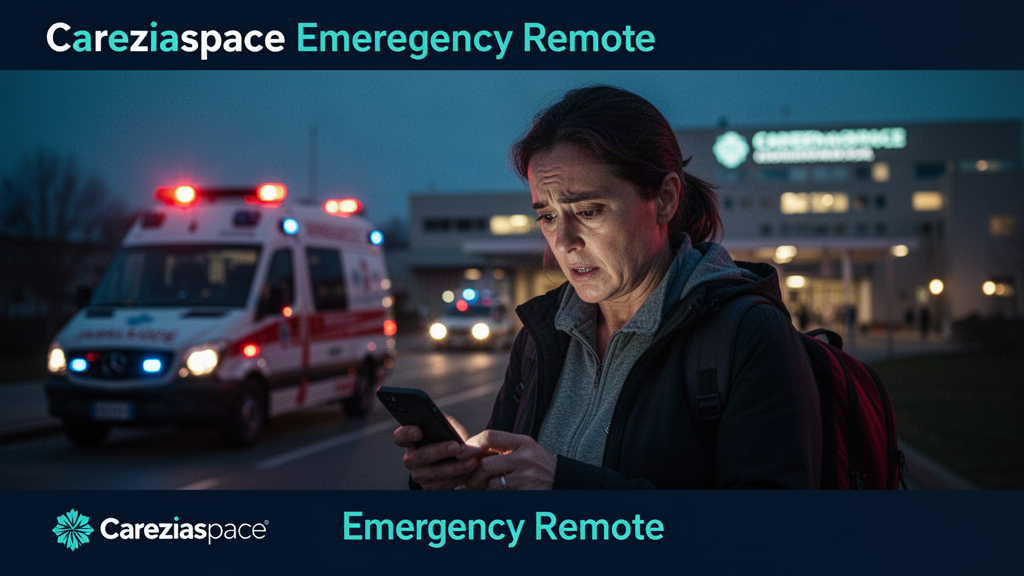
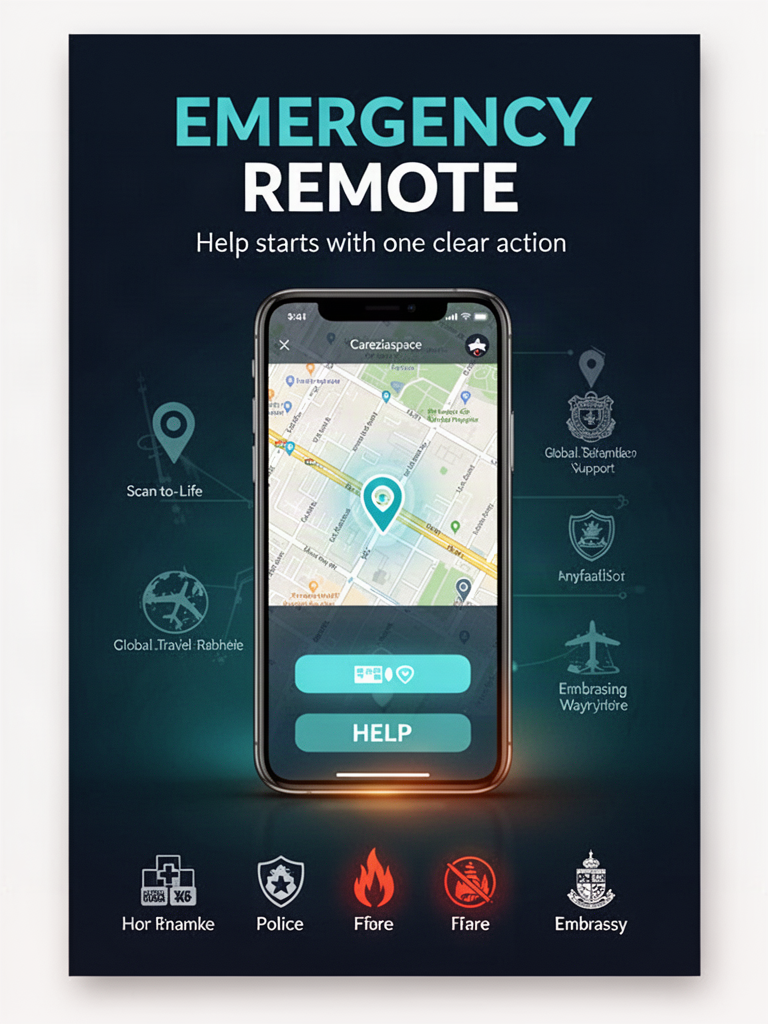
See exactly what happens before you add it. In an emergency, one tap opens CareziaSpace Emergency Remote so you can get to location, nearby help, emergency numbers, communication and safety tools without searching through the site.
Adds a one-tap Emergency Remote shortcut to your Home Screen. It opens directly here — not the CareziaSpace homepage.
CareziaSpaceEmergency Remote demo
Emergency Remote
Open the same CareziaSpace Emergency Remote you use below: enable location, reach emergency services, and find nearby police, fire, hospitals, embassies and shelters.
Interactive preview — these demonstration buttons do not call emergency services or share your location.
More CareziaSpace emergency and Scan-to-Life tools
EMERGENCY REMOTE · SCAN-TO-LIFE FLAGSHIP
Scan the card. Open help immediately.
A physical Emergency Remote card now opens the same mobile Scan-to-Life system used across the platform, then hands the person directly into location-aware emergency navigation, embassies, nearby services, and trusted support.
Flagship scan path is liveArtwork, public scan destination, and Emergency Remote handoff are connected. The motion-video slot stays ready for the next approved render.
Nearby searches follow your GPS location. The translator provides essential emergency phrases in 20 languages.
Features adapt to the services available in your country.
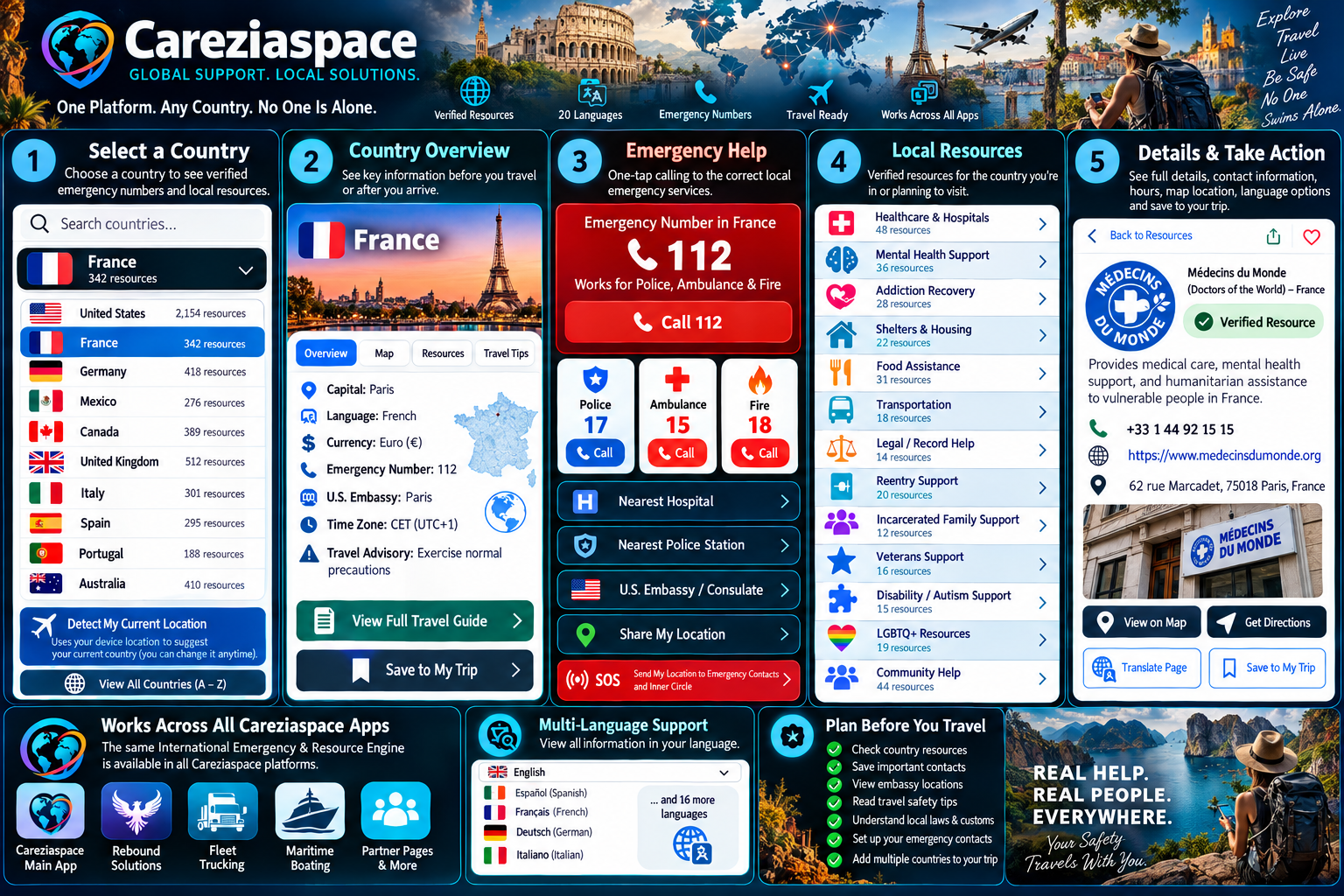
Plan before you travelChoose a destination now, save it on this device, review its emergency numbers, local help, embassy access and verified Careziaspace resources before departure.
Primary local language: English. Confirm your country manually when traveling or crossing a border.Verified directory now includes the full EU-wide 112 emergency pathway plus supported country-specific systems. EU 112 connects police, ambulance or fire; Singapore uses 999 for police and 995 for fire/ambulance.
How international support worksThis visual is the roadmap. Live features are being activated in stages as country data is verified.
Emergency Phrase TranslatorSelect a phrase to show or copy in English.
I need help.
Traveler → local languageSpeak or type what you need. Translation opens in the selected local language so you can show it to a responder.
Responder → travelerLet the responder type or speak. Translate their message back to English.
Live arbitrary translation uses the external translation service. Preset emergency phrases above remain available directly in Careziaspace and can be played aloud on supported devices.
Share location with family, contacts or respondersChoose a family member, anyone in your phone contacts, or an emergency responder who accepts messages. You control sending.
No GPS location captured yet
NO GPS COORDINATES IN THIS MESSAGE
You can still send an emergency message, but the recipient will not receive a map link or coordinates. Tap GET MY GPS LOCATION above to try to include your position. If you need immediate help, call your local emergency number.
I may need assistance. I have not captured a GPS position. Please contact me and confirm my location. Prepared with CareziaSpace Emergency Remote.
Emergency services: Call your local emergency number for urgent help. This website cannot directly dispatch police, fire or ambulance services, and emergency text messaging is not available everywhere. If a dispatcher provides a supported number or secure messaging channel, use Copy for responders to send your coordinates as instructed. Do not rely on a shared message as a substitute for an emergency call.
FAMILY TRACKING · CONSENT-BASED CHECK-IN
Know where family members last chose to check in.
Send a private check-in link from Emergency Remote. The family member opens it and explicitly chooses whether to share their current GPS position. Careziaspace does not silently or continuously track another person's device.
Checking your Family Safety account…
Nearby emergency services
Open the next place you need
Maps will ask for or estimate your current location.
Nearest Hospital
Open nearby emergency medical care and directions.
Nearest Police
Find nearby law-enforcement assistance.
Nearest Fire Department
Locate nearby fire and rescue services.
Nearest Embassy
Find embassy or consular assistance while traveling.
Nearest Emergency Shelter
Find shelters, evacuation centers, and temporary safe locations.
Nearest 24-Hour Pharmacy
Locate urgent prescription and medication support.
Trusted support pathways
Open websites or find the nearest help
Each pathway provides direct resource websites and a location-based facility search.
Crisis and mental healthVerified crisis and emotional-support pathways.
 CareziaspaceTechnology with a human purpose